Power-BI
Power Bi is a business intelligence tool that helps to carry out data analysis without coding. A person without an IT background can learn and restart his/her career with data analysis. The interactive dashboard is the most demanding in any industry.
Modules
10
Duration
40 Hours
Register By
January 31st 2023
Modes
, Online,
Course Fee :
Live Online Classes
/- INR
Industry Oriented Curriculum
An exhaustive curriculum designed by our industry experts which will help you to get placed in your dream IT company
4
Case Studies
5
Assignments
5
Quizes
2
Tools
1
Capstone Projects
What you will learn from this course :
"Power BI" is a Business intelligence tool that allows users to connect to various data sources, create interactive visualizations, and share their insights with others. The course outcomes for a Power BI course include:
Understanding the Power BI interface and navigation.
Connecting to various data sources, such as Excel, SQL Server, and SharePoint.
Creating and formatting visualizations, such as charts, tables, and maps.
Enhancing visualizations with calculated columns, measures, and DAX formulas.
Creating interactive dashboards and reports.
Sharing and publishing Power BI content.
Best practices for data modeling and data visualization.
Additionally, a course will also teach how to use Power BI with other Microsoft tools, such as Excel and Azure, and how to use it in a team collaboration setting.
Power-BI with Curriculum
Prerequisites for this course
A list of topics that are good to have before you hit the ground running with this course
No prerequisite
Course Introduction
02 Hrs
Welcome to Power BI Course
Skills Covered
Business Intelligence and Data Analytics High Level Overview
Introduction to Power BI
Different Power BI Offerings
Installing Power BI
Get Data from Different Data Sources
02 Hrs
Identify and Connect to a Data Source
Change Data Source Settings
Select a Shared Dataset
Select a Storage Mode
Choose an Appropriate Query Type
Use Microsoft Dataverse
Use Parameters
Use or Create a PBIDS file
Profile The Data
02 Hrs
Identify Data Anomalies
Examine Data Structures
Interrogate Column Properties
Interrogate Data Statistics
Clean Transform and Load the Data
03 Hrs
Resolve Inconsistencies Unexpected or Null Values and Data Quality Issues
Apply User friendly Value Replacements
Evaluate and Transform Column Data Types
Apply Data Shape Transformations to Table Structures
Combine Queries
Apply User friendly Naming Conventions to Columns and Queries
Leverage Advanced Editor to Modify Power Query M code
Design a Data Model
02 Hrs
Define the Tables
Configure Table and Column Properties
Flatten out a Parent-child Hierarchy
Define Role playing Dimensions
Create a Common Date Table
Develop a Data Model
03 Hrs
Apply Cross filter Direction and Security Filtering
Create Calculated Tables
Create Calculated Columns
Implement Row level Security Roles
Set up the Q and A Feature
Optimize Model Performance
03 Hrs
Remove Unnecessary Rows and Columns
Identify Poorly Performing Measures Relationships and Visuals
Improve Cardinality Levels
Optimize DirectQuery Models
Create and Manage Aggregations
Use Query Diagnostics
Create Reports
02 Hrs
Add Visualization Items to Reports
Choose an Appropriate Visualization Type
Format and Configure Visualizations
Apply Slicing and Filtering
Add an R or Python Visual
Create Dashboards
03 Hrs
Set Mobile View
Manage Tiles on a Dashboard
Configure Data Alerts
Use the Q and A Feature
Add a Dashboard Theme
Pin a Live Report Page to a Dashboard
Enhance Reports to Expose Insights
03 Hrs
Perform Top N Analysis
Explore Statistical Summary
Use the Q and A Visual
Add a Quick Insights Result to a Report
Use the Play Axis Feature of a Visualization
Personalize Visuals
Perform Advanced Analysis
03 Hrs
Identify Outliers
Conduct Time Series Analysis
Use Groupings and Binnings
Use the Key Influencers to Explore Dimensional Variances
Use the Decomposition Tree Visual to Break Down a Measure
Apply AI Insights
Manage Datasets
02 Hrs
Configure a Dataset Scheduled Refresh
Configure Row level Security Group Membership
Configure Incremental Refresh Settings
Promote or Certify Power BI Dataset
System Requirments
Common system requirments that you will need to have before moving ahead with this course
- Atleast 4GB RAM
- Stable Internet Connection
- OS : Linux / Windows / Mac
On Completion
On Successfull Completion of
Traning on
Power-BI
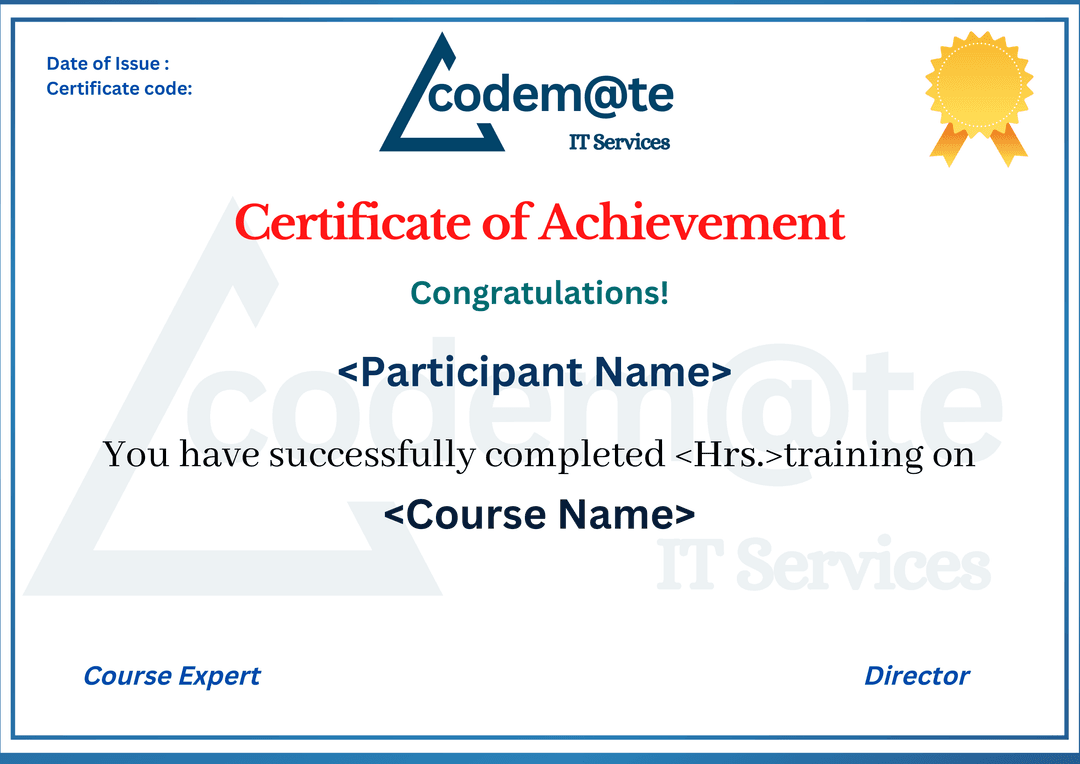
Trainee will get 2 Certificates:1. “Certificate of Achievement”
2. “Certificate of Internship”
Note : Internship Certificate will be awarded only after Successfull Completion of Capstone Projects